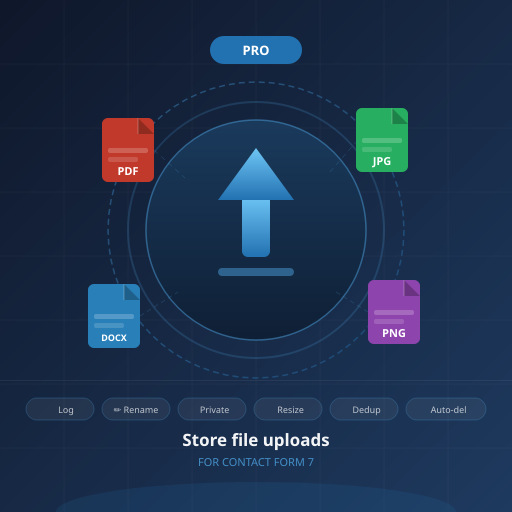
Every file your visitors upload — organized, tracked, and under control.
Contact Form 7 is great at sending emails. But the moment a visitor uploads a file, CF7 forgets it ever existed. Store file uploads Pro for Contact Form 7 fills that gap — saving every uploaded file to your Media Library, logging who sent it, from which form, and giving you full control over how files are named, stored, and managed.
No coding required. Install, activate, configure from the WordPress admin.
What you get
📋 Upload Log
A dedicated admin screen lists every file uploaded through Contact Form 7 — file name, which form, which field, date, size, and a direct download link. No more hunting through the Media Library.
🗂️ Per-form Control
Choose exactly which forms save uploads. Set a custom upload folder and a filename rename pattern for each form independently. Keep job applications separate from support requests.
✏️ Auto-rename Files
Stop receiving files named IMG_4823.jpg. Use a rename pattern like {your-name}-{date}.{ext} to automatically name each file using values from other form fields. Every file arrives already labeled.
🔒 Private File Storage
Store sensitive files outside the Media Library with .htaccess protection blocking direct URL access. Files are only accessible to logged-in users via a secure admin link — essential for legal, HR, and medical forms.
🔗 File URL in Email
Replace the default [file] mail tag with a clickable link to the stored file in your CF7 email body — instead of (or alongside) the attachment. Works in both Mail 1 and Mail 2 templates.
🔔 Admin Notifications
Receive an instant email whenever a file is uploaded, including the file name, which form triggered it, and a direct link to view or download it. Stay on top of incoming files without checking the admin panel.
🧹 Auto-delete
Set a retention period and old uploads are deleted automatically by WP-Cron. Keep your storage clean and stay compliant with GDPR data minimisation requirements — no manual cleanup needed.
🖼️ Image Resize & Compress
Automatically resize images wider than a set pixel width and apply JPEG compression on upload. Stop visitors flooding your server with uncompressed 8 MB phone photos.
🔁 Duplicate Detection
Uses an MD5 hash to detect when an identical file has already been stored. Skips saving and reuses the existing attachment — preventing storage bloat from repeated form submissions.
🦩 Flamingo Integration
If you use Flamingo to log form submissions, uploaded files are automatically linked to the corresponding inbound message entry — keeping submissions and their attachments together.
📁 Custom Upload Folder
Save files to any subfolder within your WordPress uploads directory — per form. Set cf7-uploads/job-applications/ for one form and cf7-uploads/support/ for another. Your folder structure, your rules.
✅ Unique Filenames
Automatically appends a numbered suffix when a file with the same name already exists — the same behaviour as WordPress core. No more silent overwrites when two visitors upload a file called cv.pdf.
⚙️ Skip-mail Compatible
The free plugin only saves files when CF7 sends an email. The Pro version also hooks into form submissions where skip_mail: on is set — so files are always saved, regardless of email settings.
🔑 License Key Activation
One license key, one site. Activate directly from Settings → Store CF7 Uploads Pro. Automatic update notifications delivered to your WordPress dashboard.
Requirements
- WordPress 5.0 or higher
- Contact Form 7 (free, installed and active)
- PHP 7.4 or higher
Flamingo integration requires the Flamingo plugin (optional).
Frequently asked questions
Do I need the free plugin installed?
No. The Pro plugin is standalone — it includes all functionality of the free version and more. You only need Contact Form 7.
Can I use the rename pattern with any CF7 field?
Yes. Use {your-field-name} — matching the field name set in your CF7 form — and the value submitted by the user will be used in the filename. Combine with {date}, {timestamp}, and {ext} for flexible patterns.
How does private file storage work?
Files are stored in wp-content/nmr-private-uploads/ with an .htaccess rule that blocks direct browser access. Authorised users download files through a WordPress admin-generated secure link — the file URL is never exposed publicly.
Does auto-delete affect files stored with private file storage?
Yes. Auto-delete handles both Media Library attachments and privately stored files. Both the database record and the physical file are removed.
Is this a subscription or a one-time purchase?
One-time purchase. Your license includes plugin updates for one year. After that the plugin continues to work — you can renew to get future updates.